 Adobe Commerce development


 AI & agentic commerce
 Release tracker
More orders from the traffic you already have
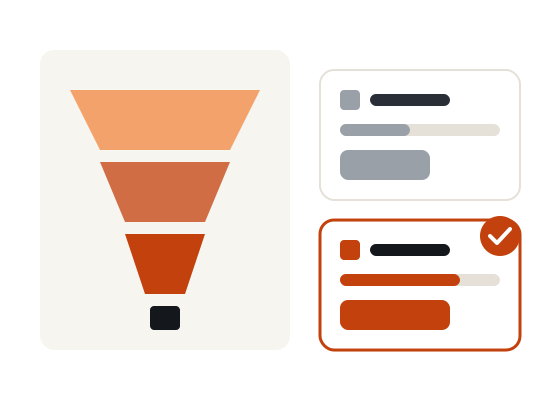
We find where shoppers drop out of your Adobe Commerce funnel, fix what is clearly broken, and test the rest. Developers build every change, so tests ship fast and do not slow the store down.
Get a CRO reviewWhat’s includedFree · No obligation · Reply within one business day
- Tracking checked before anything is tested
- Funnel, search and checkout analysis
- A/B tests built in the platform, not bolted on
Stores we have built and run
Conversion rate optimization (CRO) means increasing the share of visitors who buy, by finding where they drop out and testing better alternatives. On Adobe Commerce, most gains come from site search, product pages, cart and checkout, and from fixing tracking so you can trust the numbers in the first place.
Our CRO cycle
Each cycle starts with data you can trust and ends with a decision.
 1. MeasureCheck tracking and find where shoppers drop out.
 2. ResearchRecordings, surveys and usability tests explain why.
 3. PrioritiseScore ideas with PIE or ICE; fix the obvious now.
 4. TestBuild variants in the theme and run to a stopping rule.
 5. LearnShip winners, record losers, plan the next cycle.
Why it matters
What fewer lost checkouts mean for revenue
Decisions on evidenceAnalytics, recordings and customer feedback show what to change, not opinions. Fewer lost checkoutsFriction removed from product pages, cart and checkout, where most revenue leaks.
 Tests that ship fastVariants built in your theme by the developers who know your store.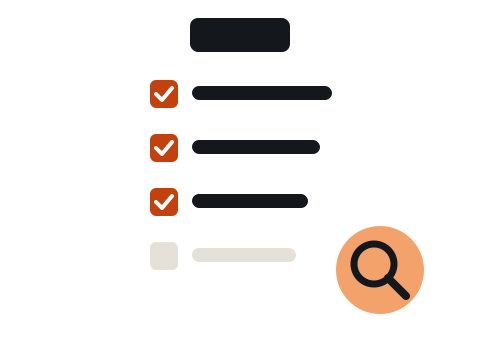
Fix, test or leave
Not everything needs a test. Clear bugs and broken flows are fixed straight away; uncertain ideas are tested; low-traffic pages are improved with research instead, because a test there would never reach a reliable result.
- Fix: errors, broken filters, slow pages
- Test: layout, messaging, offers
- Research: low-traffic pages and complex B2B flows
How it works
What’s included
Analytics auditGA4 events, ecommerce data and consent checked first.
Funnel analysisDrop-off by step, device and traffic source.
User researchSession recordings, surveys and usability tests.

Site search reviewZero-result searches and weak results fixed.
Checkout optimizationFields, payment options, errors and trust.
A/B testingPlanned, built, run to a stopping rule and reported.
Is this right for you?
A good fit if- You have steady traffic but flat sales
- Checkout or cart abandonment is high
- You are not sure your analytics are right
- You want to test changes instead of arguing about them
Probably not the right fit if- Your traffic is very low: start with SEO and research-led fixes
- The store has serious speed or stability problems: fix those first
 What you receive
- Tracking and analytics audit
- Funnel and UX research findings
- Prioritised backlog of fixes and tests
- Built tests and a monthly results report
Prioritised with a known framework
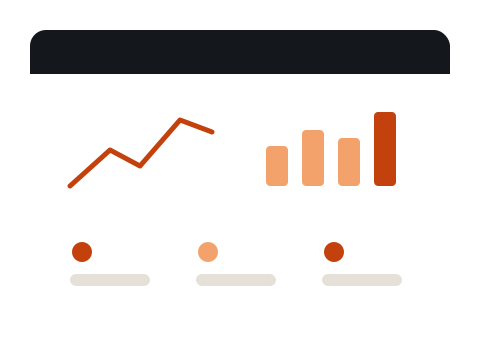
Every idea is scored with an established method such as PIE or ICE, so the backlog starts with the changes most likely to matter. You see the scores and the reasons.
How it works
You see the findings, the scope and the price before any code changes.
- AuditWe review code, extensions, hosting and speed.
 Plan & priceA fixed scope and price, or a retainer.
 Build on stagingTested on a copy of your store, never live.
 Launch & supportA planned release, rollback ready, then monitoring.
For your technical team
How we build it
The stack, standards and handover your developers can expect.
Tracking- GA4 ecommerce events validated
- Consent mode and tags checked
- Purchases reconciled with Adobe Commerce orders
Testing- Sample size calculated for each test
- Server-side variants in Adobe Commerce, no flicker
- Stopping rule set before a test starts
Store safety- Core Web Vitals monitored while tests run
- Variants built and reviewed on staging
- Winners merged into the theme code
Related guides
In-depth articles from the Mistri blog.
Questions before you book
Frequently asked questions
How much traffic do I need for A/B testing?
It depends on your conversion rate and the size of change you want to detect. We calculate it for each test; if a page cannot reach a reliable result, we use research and best-practice fixes instead.
Which testing tool do you use?
Whichever fits your stack and budget. Many tests can also be built server-side in Adobe Commerce, which avoids flicker and extra JavaScript.
Will testing slow my store down?
It should not. We avoid heavy client-side scripts where possible and check Core Web Vitals while tests run.
What conversion rate should my store have?
It varies a lot by industry, price point, device and traffic mix. Compare your own trend and segments rather than a single benchmark.
Is customer data shared with testing or recording tools?
Only what the tool needs, under your consent settings. Form fields are masked in session recordings, and tools respect your consent banner.
Who builds the winning changes permanently?
We do, in your theme code, so a winner does not keep running through a testing script. Your team can also take it from the repository.
Related services
Performance optimizationCore Web Vitals, Breeze, Hyvä, Varnish and Valkey.Learn more →Magento SEOTechnical SEO fixed in the platform itself.Learn more → AEO & AI search visibilityGet found and cited in AI Overviews, ChatGPT and Perplexity.Learn more →
 Our portfolioAdobe Commerce stores and web projects we have built.See the work →
Where is your store losing orders?
Send us your store URL. We will review your funnel and tracking and suggest the first fixes and tests.
Book a free audit call
Free · No obligation · Reply within one business day